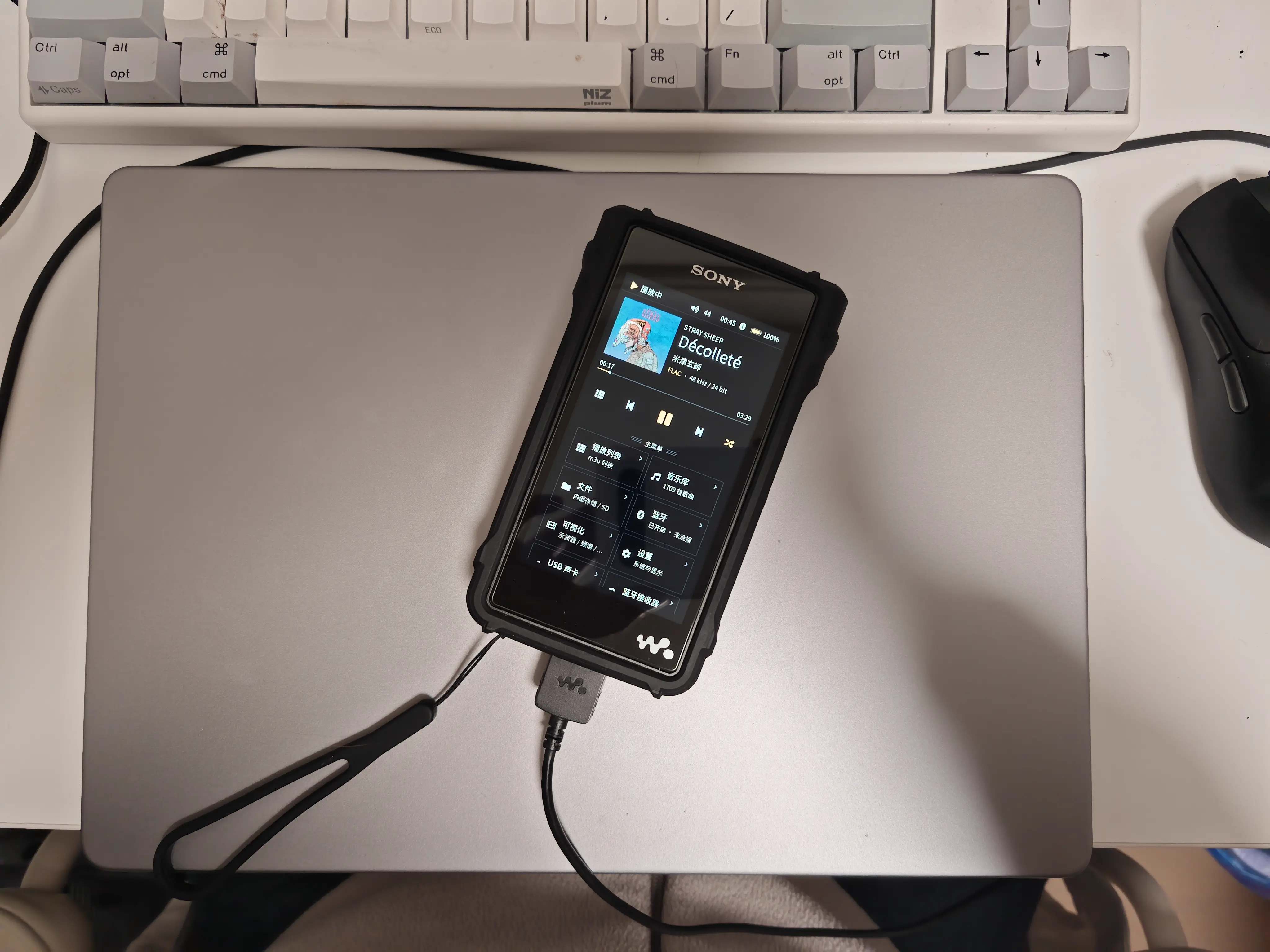
A while back I got one of those sudden itches to pick up a Walkman, having been a loyal NW-series owner back in the day. Once it arrived I did some reading and found the community has already been through all of this: custom firmwares like Walkman One, various UI tweaks. Honestly, at first I didn’t see much worth tinkering with. I flashed Walkman One and then it just sat there gathering dust. Partly because having to use wired headphones is a pain, and partly because the firmware had started having compatibility trouble with my AirPods Pro 2: they’d pair, and then play nothing at all. So it went back in the drawer.
Then over the Mid-Autumn holiday I remembered I still had the thing. It bugged me, sitting there useless. So I dug it out to see what I could actually do with it, and noticed that these custom firmwares quietly switch on the adbd that Sony left behind. Suddenly this got interesting: with a root shell, the whole machine is mine. I can do whatever I want.
First, a quick look at what this thing is:
|
|
Looks like a fairly ordinary Linux with a very Android-flavoured rootfs. Which raises the question: if I want to put something on this screen, how would I even go about it?
A quick search showed someone in the community had already done it: wampy. In short, Sony’s main player binary HgrmMediaPlayerApp is a Qt app, and the author cleverly used the Qt eglfs platform plugin to squeeze his own code into that process, then called QWindow::hide() to hide the original window. The screen is free again. To make it easy for others to build on his work, he also provided a /tmp/wampy.sock plus a wampyctl command, giving the rest of us a much friendlier way in.
So running things is solved. What’s left is deciding what to run. DOOM came to mind first, but an FPS on that little touchscreen is a bit rough to control (haha). Then I thought of another classic that has been ported to everything: SDLPAL.
The first thing SDLPAL needs is SDL working on this platform. Doing that properly means writing an SDL video driver, which for a little experiment like this isn’t really worth it. But wampy’s cassette renderer shows the trick: to get pixels on screen you can just build a bitmap in memory and treat it as a texture. Which is to say, run SDL in pure CPU mode, draw everything into a 480x800 SDL_Surface, then push that texture to the panel with eglSwapBuffers.
To check the idea I just had DSH write it (actually typing the code out by hand is dull, isn’t it). Getting the basic shapes up on screen went smoothly:
With the display sorted, not much was left. Next I had the AI handle touch and button input, cross-compiled SDL2 statically with zig (-target arm-linux-gnueabihf.2.23), copied my game files onto the device, and just like that the game was running.
Friend: now that’s a hifi way to knock your head
Friend: good sound is what makes a good head
It wasn’t nearly that smooth, of course. Plenty of potholes along the way. Here’s a quick list of what broke and how it got fixed; I don’t remember the details well enough anymore, so I had the AI summarise them for me:
- Events did nothing: pushing
SDL_KEYDOWNinto SDL’s queue had no effect. SDLPAL reads input by pollingSDL_GetKeyboardState(), so we had to write the keyboard state directly. - Key passthrough: hiding the window only stops the drawing; Sony’s
KeyServicestill reads the same evdev node. Pressing Play did nothing in the game and started an MP3 instead →EVIOCGRABonevent0/1/4. - Red and blue swapped:
SDL_PIXELFORMAT_ARGB8888is B,G,R,A in little-endian memory, so uploading it asGL_RGBAinverted the colours →RGBA32. - Touch was way off: the panel reports 0..959 × 0..1599, not 480×800, so the red dot in the help overlay had nothing to do with my finger.
- Who owns the sound card: SDL’s ALSA backend never actually made it into the cross build; the kernel’s OSS compat layer works with
AUDIODEV=/dev/snd/dsp. If Sony is playing, pause it first; if that doesn’t help, run muted.
By this point a rather bold idea had hit me, maybe even a slightly cocky one. I don’t think Sony’s system is all that pleasant to use. And with some AI magic on my side, plus the fact that I know my way around Linux and audio codecs (not an expert, but enough to get by), why not build a userspace player that actually suits my own tastes?